If you trade crypto with any degree of seriousness — or if you're thinking about starting — you're going to end up on TradingView eventually. It's the dominant charting platform in crypto, and honestly, nothing else comes close for the combination of real-time data, technical analysis tools, and community-built strategy scripts.
But TradingView is a charting and strategy development platform, not a trading platform. That distinction matters, and a lot of new users get confused by it. You can't buy Bitcoin on TradingView. You can't deposit AUD. What you can do is analyse markets with some of the best tools available, develop and backtest trading strategies using Pine Script, and then connect TradingView to an execution platform like 3Commas via webhooks to actually place trades automatically.
That workflow — TradingView for strategy, a bot platform for execution, an Australian exchange for the actual trading — is how a lot of serious crypto traders operate. If that sounds like where you're heading, TradingView is essentially non-negotiable.
Verdict: 4.5 / 5
The best charting and strategy development platform for crypto traders at any level. The free plan is genuinely useful. Pine Script is the most accessible way to learn algorithmic strategy development. The main limitation is that you need a separate platform for trade execution — TradingView tells you what to do, something else has to actually do it.
Charting: genuinely best in class
TradingView's charting is the reason the platform has over 100 million users. It's not a marketing exaggeration to say it's the best charting tool available for retail crypto traders.
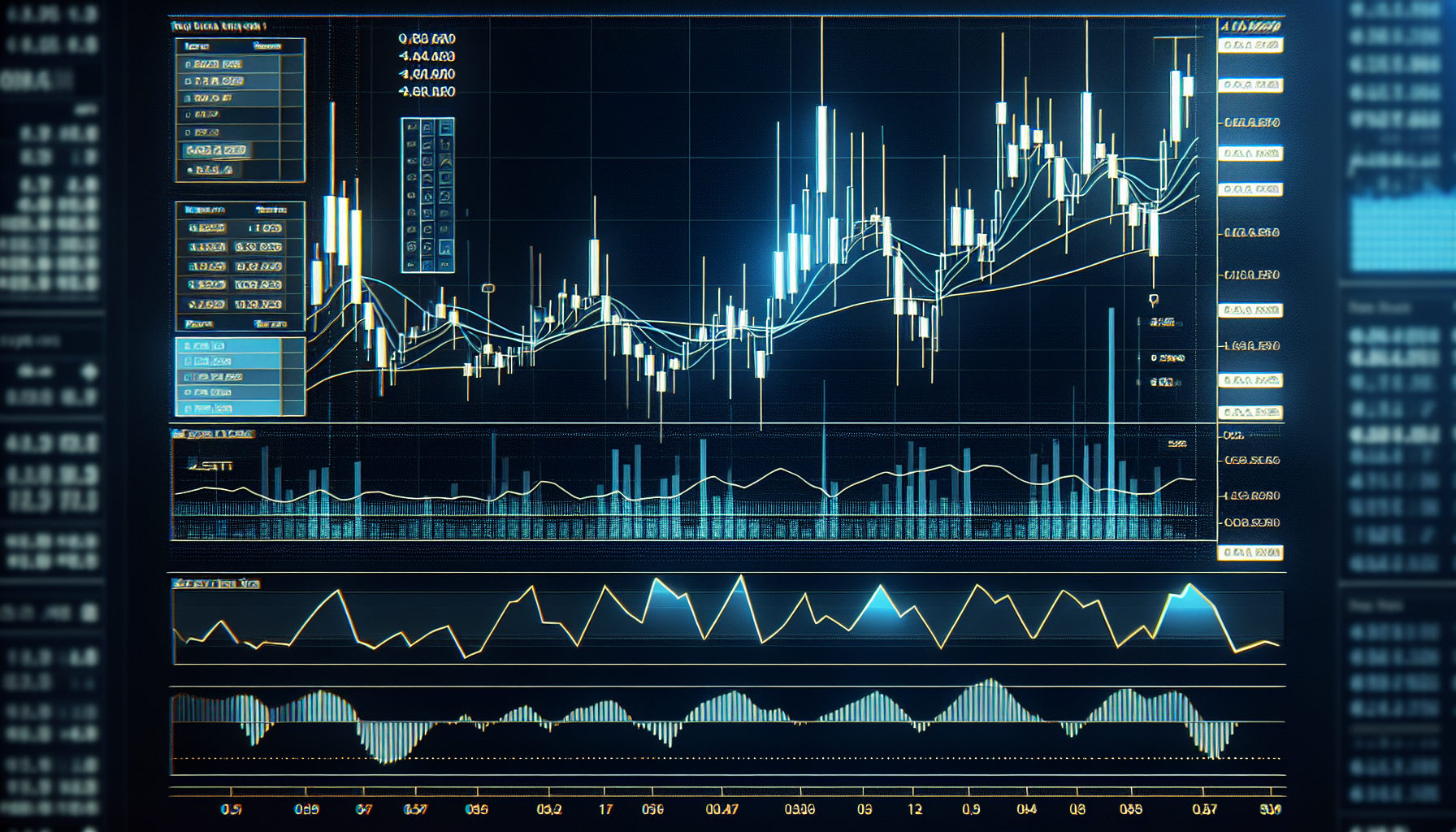
You get 400+ built-in indicators, 110+ drawing tools, every major chart type (candlestick, Heikin Ashi, Renko, line break, point and figure), multi-timeframe analysis on a single screen, and real-time data from every major crypto exchange — Binance, Coinbase, Kraken, Bybit, and more.
The crypto screener is particularly useful. You can filter the entire crypto market by technical indicators, volume, market cap, performance, and volatility — all updated in real time. When you're trying to find setups across hundreds of pairs, the screener does in seconds what would take hours manually.
Cross-device sync means you can mark up a chart on your desktop and check it on your phone later. It sounds basic, but not every platform handles this well.
The thing I appreciate most about TradingView's charting is that it scales with you. A complete beginner can draw support and resistance lines on a Bitcoin chart and get genuine value from the platform. An experienced quant can build multi-indicator overlays with custom scripts. The same tool serves both, which is rare.
Pine Script: the gateway to algorithmic trading
If you're interested in algorithmic trading but don't want to jump straight into Python, Pine Script is the best starting point available.
Pine Script is TradingView's built-in programming language, now on Version 6. It's purpose-built for trading strategy development, which means it handles a lot of the complexity that would take hundreds of lines of Python — fetching price data, calculating indicators, managing positions — with just a few lines of code.
The learning curve is genuinely accessible. If you can follow a recipe — "when this crosses above that, do this" — you can write basic Pine Script. The syntax is readable, the documentation is solid, and there are thousands of community-published scripts you can study, modify, and learn from.
The Strategy Tester is where Pine Script really earns its value. You can backtest your strategy against historical data — up to 2 million bars on higher plans — and get detailed performance metrics: net profit, win rate, profit factor, maximum drawdown, Sharpe ratio, and individual trade logs. This is the kind of feedback loop that turns vague trading ideas into testable hypotheses.
A typical learning path looks like this: start by reading and modifying community scripts to understand the syntax, then write simple strategies (moving average crossovers, RSI-based entries), backtest them, iterate, and gradually build more complex systems. Within a few weeks of consistent practice, most people can write strategies that meaningfully test their trading ideas.
Where Pine Script has limits: it runs inside TradingView's environment, so you can't access external data sources, run machine learning models, or do anything that requires general-purpose computing. For that, you need Python and a framework like QuantConnect. But for 90% of retail strategy development, Pine Script is more than enough — and it's dramatically faster to go from idea to backtest than writing everything from scratch.
For a broader look at where Pine Script fits relative to no-code bots and full Python development, see our guide to algorithmic trading in crypto.
Alerts and webhooks: bridging strategy to execution
TradingView's alert system is one of the most important features for anyone moving beyond manual trading.
Alerts are server-side, meaning they fire even when your computer is off and your phone is in your pocket. You set a condition — price crosses a level, an indicator triggers, a Pine Script strategy generates a signal — and TradingView sends you a notification via app, email, SMS, or webhook.
Webhooks are the key for automation. A webhook sends a structured message to an external URL when your alert fires. That URL can be a 3Commas Signal Bot, TradersPost, or any service that accepts incoming signals. The webhook tells the bot what to do (buy, sell, set stop loss), and the bot executes the trade on your connected exchange.
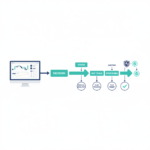
This is how a practical TradingView-based algo workflow looks for an Australian trader:
- Develop your strategy in Pine Script on TradingView
- Backtest it using the Strategy Tester until you're confident in the logic
- Set a webhook alert on the strategy signals
- Connect the webhook to a 3Commas Signal Bot
- 3Commas executes the trades automatically on your Australian exchange
The result: TradingView watches the market 24/7 and tells 3Commas when to trade. You built the logic, tested it, and now it runs without you staring at charts.
Alert limits by plan: Free gives you 3 alerts (barely enough to test the concept). Essential gives you 20 (enough to run a couple of strategies). Plus gives you 100. Premium gives you 400, and they don't expire. If you're running multiple strategies across multiple pairs, you'll want at least Plus.
Webhooks require a paid plan (Essential or above). This is the main reason to upgrade from free — without webhooks, you can't connect TradingView to an execution platform.
Pricing: what each plan actually gives you
| Plan | Annual price (per month) | Charts per tab | Indicators per chart | Alerts | Webhooks |
|---|---|---|---|---|---|
| Free | $0 | 1 | 2 | 3 | ❌ |
| Essential | ~$13 USD/mo | 2 | 5 | 20 | ✅ |
| Plus | ~$28 USD/mo | 4 | 10 | 100 | ✅ |
| Premium | ~$50 USD/mo | 8 | 25 | 400 (no expiry) | ✅ |
| Ultimate | ~$100 USD/mo | 16 | 50 | 1,000 | ✅ |
All prices are approximate based on annual billing. Monthly billing costs roughly 60% more.
Which plan should you get?
Start with Free. Seriously. The free plan is more capable than most people realise — you get full charting, Pine Script access, paper trading, and 3 alerts. Use it until you actually hit a wall.
When you do upgrade, Essential is the sweet spot for most crypto traders. Webhooks, 20 alerts, 5 indicators per chart, and 2 charts per tab cover the needs of anyone running a small number of strategies.
Premium makes sense if you're running multiple strategies across multiple pairs and need 400+ non-expiring alerts. But don't buy Premium on day one — you won't need it until you're deep into strategy development.
One practical tip: TradingView runs major sales on Black Friday (typically 60-70% off annual plans). If you're planning to upgrade, wait for a sale. The difference between buying Premium at full price versus Black Friday pricing is significant over a year.
What TradingView doesn't do well
I've been fairly positive so far, so let me be clear about the limitations.
No direct crypto trading on major exchanges. TradingView has a broker integration system, but most major crypto exchanges (Binance, Kraken, Coinbase) are not available for direct trading through the platform. You need a webhook-to-bot bridge. This is the biggest architectural limitation for crypto traders.
Backtesting doesn't simulate real-world execution. The Strategy Tester assumes your orders fill at the exact price you specify, with no slippage and no partial fills. In real markets — especially crypto markets with thinner liquidity on smaller pairs — your actual fills will be worse than your backtest. This doesn't make backtesting useless, but it means you should treat backtest results as optimistic estimates, not guarantees.
Pine Script is not Python. For most retail strategy development, that's fine. But if you want to incorporate machine learning, alternative data, or complex portfolio-level logic, you'll outgrow Pine Script and need a general-purpose environment.
The free plan is restrictive for active use. 3 alerts and 2 indicators per chart is enough to explore, but not enough to run any kind of systematic approach. The upgrade path is essentially mandatory for serious use.
Frequent upgrade prompts. TradingView is aggressive about nudging free users toward paid plans. Banner ads, pop-ups, feature gates. It's not egregious, but it's noticeable.
Who TradingView is for (and who it isn't)
TradingView is ideal for:
- Crypto traders who want the best available charting tools
- Anyone learning technical analysis or strategy development
- Traders building Pine Script strategies for backtesting
- Users who want to automate trading via webhooks + a bot platform
- Australians using crypto trading bots who need a signal source
TradingView is not ideal for:
- Complete beginners who just want to buy and hold Bitcoin (use an exchange instead)
- Traders who want an all-in-one platform that handles both analysis and execution
- Advanced quants who need Python-level flexibility
FAQ
Can I trade crypto directly on TradingView?
Not on most major crypto exchanges. TradingView is primarily a charting and analysis platform. To execute trades automatically, you connect TradingView alerts via webhooks to a bot platform like 3Commas, which then trades on your connected exchange.
Is Pine Script hard to learn?
It's one of the most accessible trading-focused languages available. The syntax reads almost like English ("if close crosses above sma, then buy"). If you can follow recipe-style logic, you can write basic Pine Script within a few days. The TradingView documentation and community scripts provide a strong learning foundation.
Do I need Premium to get started?
No. Start with Free to learn the platform, then upgrade to Essential when you need webhooks and more alerts. Premium is for users running multiple active strategies who need 400+ alerts. Don't over-invest in a plan before you've confirmed TradingView fits your workflow.
How does TradingView compare to TrendSpider?
TradingView has a much larger community, more extensive Pine Script ecosystem, and better crypto-specific data coverage. TrendSpider has some interesting automated pattern recognition features. For crypto-focused traders in Australia, TradingView is the more established and versatile choice.
Is TradingView worth paying for?
If you use alerts and want automation, yes — webhooks alone justify the Essential plan. If you only use TradingView for casual chart-watching, the free plan may be enough indefinitely.
Affiliate disclosure: CryptoAlgo may receive a commission if you sign up through links on this page. This does not affect our editorial independence. This content is not financial advice — please do your own research before making investment decisions.